

User Experience Process
User experience (UX) design is a crucial part of creating products and services that people love to use. It focuses on making things easy, fun, and helpful for users. The UX design process helps teams build better products by putting users first.

The UX design process is a step-by-step approach to solving problems for users. It starts with learning about the people who will use a product. Designers then come up with ideas, test them, and make changes based on what they find out. This helps create products that really work for users.
UX design is not just about making things look nice. It’s about making sure products work well and meet user needs. The process includes research, planning, design, and testing. Each step helps create a better end result for users.
Key Takeaways
- UX design puts users first to create products people enjoy using
- The process includes steps like research, planning, design, and testing
- UX designers work to solve problems and improve how people interact with products
Understanding User Experience
User experience is about creating products that are easy to use and enjoyable. It involves designing with the user’s needs in mind. Good UX leads to happy customers and successful products.
Principles of UX Design
UX design follows key principles to create great user experiences. These include:
• Usability: Products should be easy to use and navigate. • Accessibility: Designs must work for people with different abilities. • Consistency: Elements should behave in expected ways across a product. • Feedback: Users need clear signals that actions were successful.
Designers apply these principles throughout the UX design process. They conduct research to understand users. Then they create designs that solve real problems. Testing helps refine the designs.
Empathy is crucial in UX. Designers must see things from the user’s perspective. This helps create products that truly meet people’s needs.
Psychology of User Interaction
Psychology plays a big role in how people use products. Some key concepts include:
• Mental models: How users expect things to work • Cognitive load: The mental effort needed to use a product • Attention: What users focus on and ignore
UX designers use these ideas to make products feel natural. For example, they group related items together. This matches how people think about information.
Color and layout also affect psychology. Warm colors can feel energetic. Cool colors often seem calming. The right visuals can guide users through tasks smoothly.
The Role of Aesthetics in UX
Good-looking designs do more than please the eye. They affect how people feel about using a product. Key parts of UX aesthetics include:
• Visual hierarchy: Guiding users to important elements • White space: Using empty areas to create balance • Typography: Choosing fonts that are readable and fit the brand
Color theory helps create pleasing and effective color schemes. Designers pick colors that work well together and convey the right mood.
Emotional design aims to create positive feelings. This can lead to greater user satisfaction and loyalty. Small details like fun animations can delight users and improve the overall experience.
The UX Design Process

The UX design process is a set of steps that help create user-friendly products. It involves gathering user data, coming up with ideas, planning how things work, and making models to test.
Research and Analysis
The first step is to learn about users and their needs. UX designers do this by:
- Talking to users
- Watching how people use products
- Looking at data about user behavior
They also check out what other similar products are doing. This helps them spot gaps in the market.
UX teams then make user personas to represent typical users. These guide the design process. They also create user journey maps. These show how users interact with a product over time.
The goal is to find pain points and areas for improvement. This research forms the base for all future design choices.
Ideation and Conceptualization
After research, UX teams brainstorm ideas. They use methods like:
- Mind mapping
- Sketching
- Storyboarding
The aim is to come up with many possible solutions. Teams then pick the best ideas to develop further.
They also define the product’s key features and functions. This stage is about thinking big and being creative. But ideas must still link back to user needs found in the research phase.
Designing the Interaction
Next, designers plan how users will interact with the product. This includes:
- Creating site maps
- Designing user flows
- Planning the layout of screens or pages
The focus is on making the product easy and pleasant to use. Designers think about things like:
- Where to put buttons
- How to organize menus
- What happens when users click or tap
They aim to make the product intuitive. Users should be able to figure out how to use it without instructions.
Prototyping and Wireframing
The last step is to make visual models of the product. Wireframes are simple outlines of the layout. They show where different elements will go on a screen.
Prototypes are more detailed. They can be clicked through like a real product. UX teams use these to:
- Test ideas with users
- Get feedback from stakeholders
- Find and fix problems early
Prototypes start simple and get more complex over time. Teams keep improving them based on feedback. This helps refine the design before any real coding starts.
Execution and Testing
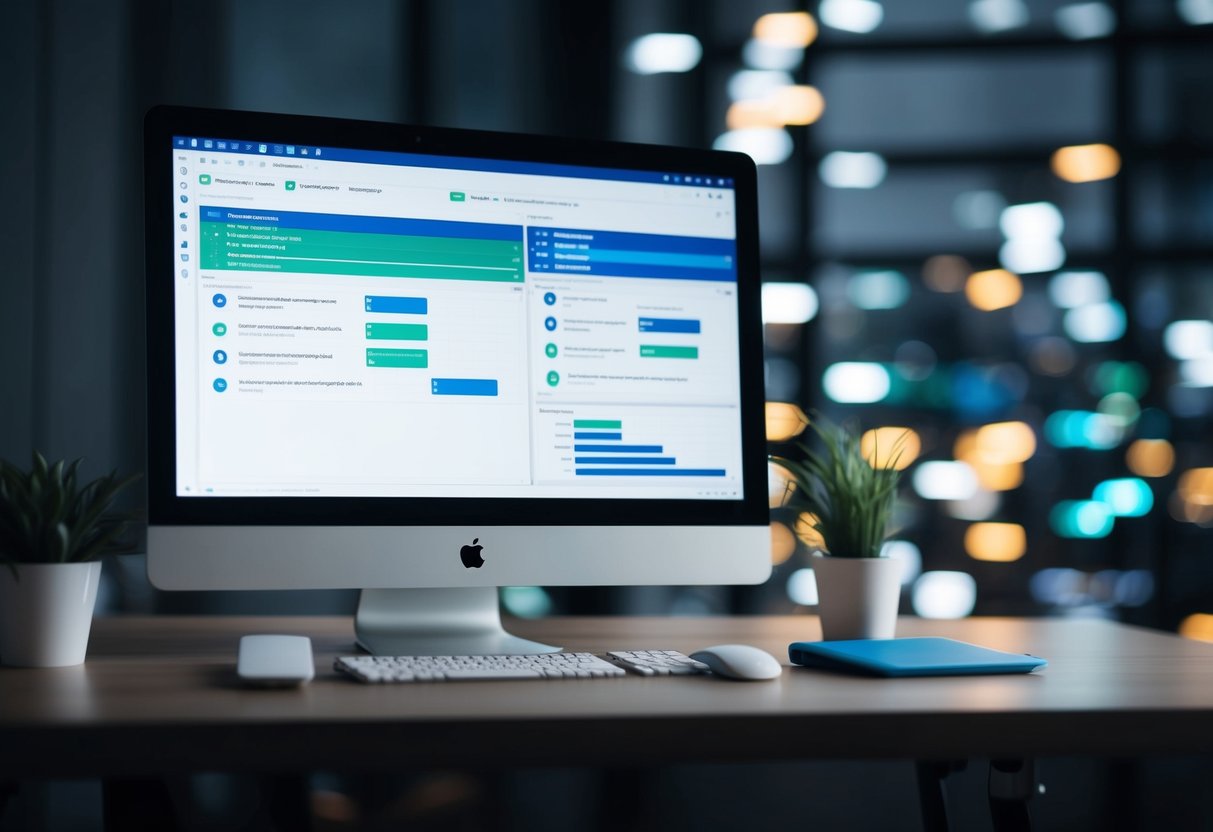
Execution and testing are crucial steps in refining the user experience. These phases involve creating detailed prototypes, evaluating usability, and gathering valuable user feedback to improve the final product.
Developing High-Fidelity Prototypes
High-fidelity prototypes closely resemble the final product in look and functionality. They allow designers to test complex interactions and visual elements. These prototypes use real content and often include working links and buttons.
Designers create high-fidelity prototypes using specialized software tools. These tools let them add animations, transitions, and other interactive features. The goal is to make the prototype feel as close to the real product as possible.
Testing high-fidelity prototypes helps catch design flaws early. It also gives stakeholders a clear vision of the final product. This can lead to more accurate feedback and fewer revisions later in the process.
Conducting Usability Testing
Usability testing evaluates how easy a product is to use. It involves real users trying out the product or prototype. Testers observe users as they complete tasks and note any problems they encounter.
There are several types of usability tests:
- Moderated in-person tests
- Remote unmoderated tests
- A/B tests comparing different designs
Testers look for issues like confusing navigation, unclear labels, or slow load times. They also measure how long it takes users to complete tasks. This data helps identify areas for improvement in the design.
Usability testing can be done at various stages of development. Early tests use simple prototypes, while later tests use more complete versions of the product.
Gathering and Analyzing User Feedback
User feedback is essential for improving the product’s design. Designers collect feedback through surveys, interviews, and user testing sessions. They also analyze user behavior data from analytics tools.
Feedback can reveal issues like:
- Features users find confusing
- Parts of the design users like or dislike
- Missing functionality users want
Designers use various methods to analyze feedback:
- Affinity diagrams to group similar comments
- Heat maps to show where users click most
- User journey maps to visualize the user’s experience
After analysis, designers prioritize changes based on impact and feasibility. They then create action plans to address the most important issues. This iterative process helps refine the product and enhance the user experience.
Finalizing Design and Launch
The final stages of the user experience process involve refining the design, preparing documentation, and getting ready for launch. These steps ensure the product meets user needs and business goals.
Design Specification and Documentation
Design specifications outline the visual and functional details of the product. They include wireframes, mockups, and user interface elements. Color schemes, typography, and spacing are defined.
Interaction patterns and user flows are documented. This helps developers understand how the product should work.
A style guide is created to maintain consistency across the product. It covers logos, icons, and other brand elements.
Detailed annotations explain complex features or interactions. These notes guide the development team during implementation.
Implementation and Integration
The development team brings the design to life during implementation. They use the design specifications as a blueprint.
Regular check-ins between designers and developers ensure accuracy. This helps catch any issues early in the process.
Usability testing continues throughout implementation. It verifies that the product works as intended.
Integration with existing systems or platforms may be necessary. This requires coordination between different teams.
As the product takes shape, designers may need to make small adjustments. Flexibility is key during this phase.
The Product Launch
A soft launch or beta release can gather final user feedback. This allows for last-minute improvements before full launch.
Marketing materials are prepared to introduce the product. These may include demos, tutorials, or promotional content.
User onboarding is set up to guide new users through the product. This helps ensure a smooth first-time experience.
A support system is established to handle user questions or issues. This may include documentation, FAQs, or a help desk.
The launch date is set and communicated to all stakeholders. A plan is made to monitor initial user reactions and usage data.
Post-launch analysis begins immediately. This data informs future updates and improvements to the product.
Post-Launch Activities

After launching a product or service, ongoing efforts are crucial to ensure its success. These activities focus on understanding user experiences and making continuous improvements.
Evaluating User Satisfaction
User satisfaction is key to a product’s long-term success. Companies gather feedback through surveys, reviews, and direct user comments. This data helps identify strengths and weaknesses.
Analytics tools track user behavior, showing how people interact with the product. Heat maps reveal which features get the most use. Session recordings can pinpoint where users struggle.
Customer satisfaction metrics like Net Promoter Score (NPS) measure loyalty. These scores guide teams on where to focus improvement efforts.
User interviews provide deep insights. They reveal pain points and unmet needs that quantitative data might miss.
Ongoing Improvement and Iteration
The iterative method is central to post-launch activities. Teams use feedback and data to make regular updates.
Small changes can have big impacts. A/B testing compares different versions to see which performs better. This approach minimizes risk when introducing new features.
Regular software updates fix bugs and add new capabilities. These keep the product fresh and responsive to user needs.
User experience (UX) teams often create roadmaps for future improvements. These plans balance quick wins with longer-term strategic goals.
Involving users in the iteration process can boost engagement. Beta testing programs give early access to new features in exchange for feedback.
Conclusion

The user experience design process is key to creating great products. It puts users first and helps teams make smart choices. By following the steps, designers can build things people love to use.
Testing with real users is a big part of the process. It shows what works and what needs to change. Teams can then fix problems before launching.
Good UX design takes time and effort. But it pays off with happy customers and better business results. Brands that focus on UX often do better than those that don’t.
The UX process isn’t set in stone. It can change based on the project and team needs. The goal is always to make products that solve real problems for users.
As technology grows, so does UX design. New tools and methods pop up all the time. Designers who keep learning stay ahead of the curve.
Creating amazing user experiences is an ongoing task. There’s always room to improve and make things even better for users.

 TechPowered
Leave a comment